
Description
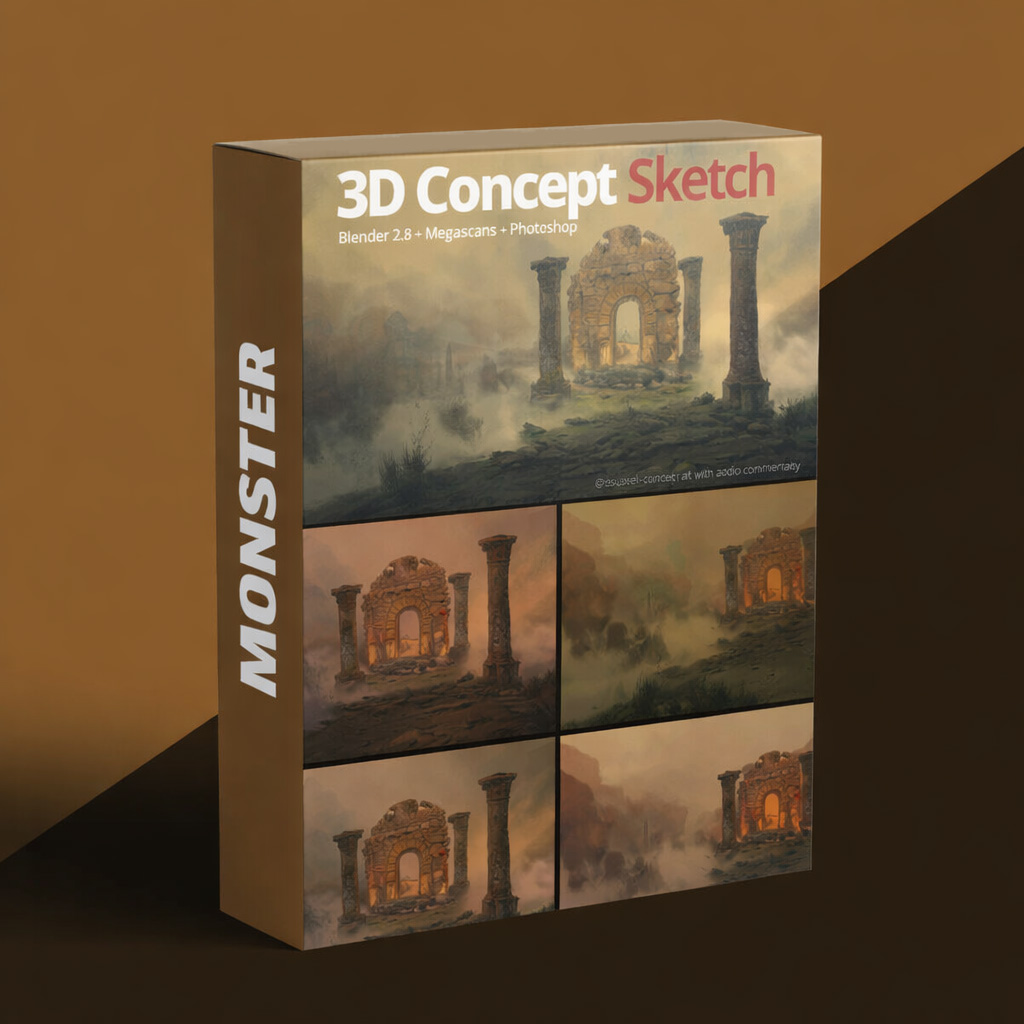
Concept Art: Full Workflow Tutorial from Blender to Photoshop is a comprehensive course designed to teach artists how to create professional, production-ready concept art using a complete 3D-to-2D workflow. Perfect for film, game, and animation artists, this course bridges the gap between modeling and digital painting.
The course begins with Blender 3D fundamentals, teaching you how to model characters, props, and environments with clean topology and proper proportions. You will learn how to block out shapes, define silhouettes, and create base assets for concept art.
Next, the course focuses on Photoshop techniques, showing you how to import 3D renders and enhance them with painting, texturing, color grading, lighting, and visual effects. Emphasis is placed on creating cinematic compositions, refining details, and producing polished, visually compelling concept art.
Practical lessons guide you through the full production workflow, from 3D modeling and scene setup to final painted render, ensuring that each piece is ready for portfolio or production pipelines.
By the end of the course, you will have the knowledge and skills to efficiently create high-quality concept art combining 3D and 2D techniques. Concept Art: Full Workflow Tutorial from Blender to Photoshop equips you with professional workflows, artistic insight, and the confidence to produce cinematic concept designs.
Reviews
There are no reviews yet.