
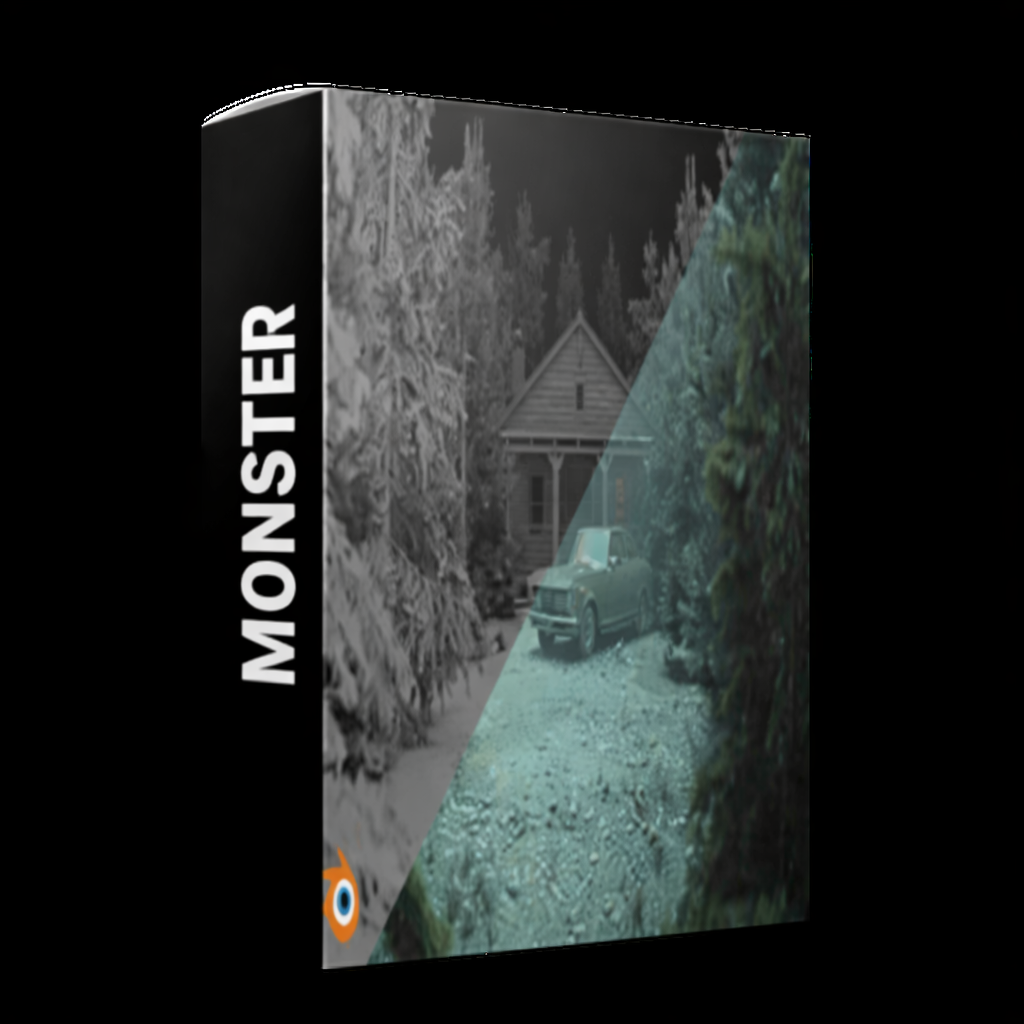
Description
Blender Cinematic Intro: Create Studio-Style Text Animations is a hands-on course designed for creators who want to produce professional, cinematic text animations for intros, trailers, and video projects. Using Blender, you will learn how to combine motion graphics, lighting, and camera techniques to create polished studio-style animations.
The course begins with Blender basics, focusing on text objects, keyframes, and timeline animation. You will then explore motion graphics techniques, including smooth transitions, camera paths, dynamic effects, and timing principles that make your text sequences visually engaging.
Special emphasis is placed on cinematic styling, lighting setups, and animation polish to achieve professional-quality results similar to studio productions. You will also learn to integrate effects like glow, particles, and subtle motion enhancements to make your intros stand out.
By the end of the course, you will be able to create fully animated cinematic intros that can be used for YouTube channels, promotional videos, short films, and personal projects. Whether you are a beginner or intermediate Blender user, this course provides the skills and workflow needed to produce high-impact, studio-style text animations.
Reviews
There are no reviews yet.